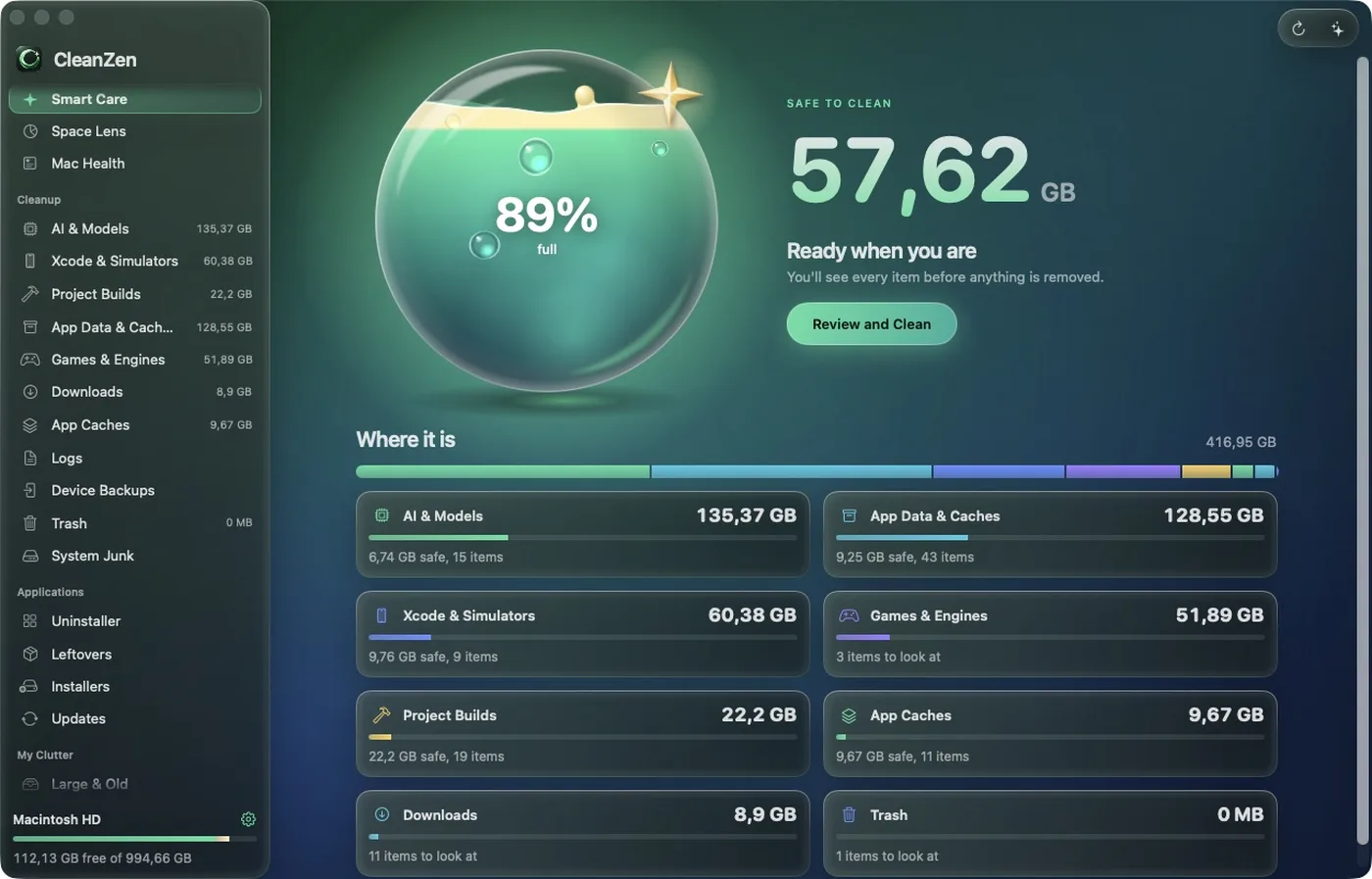
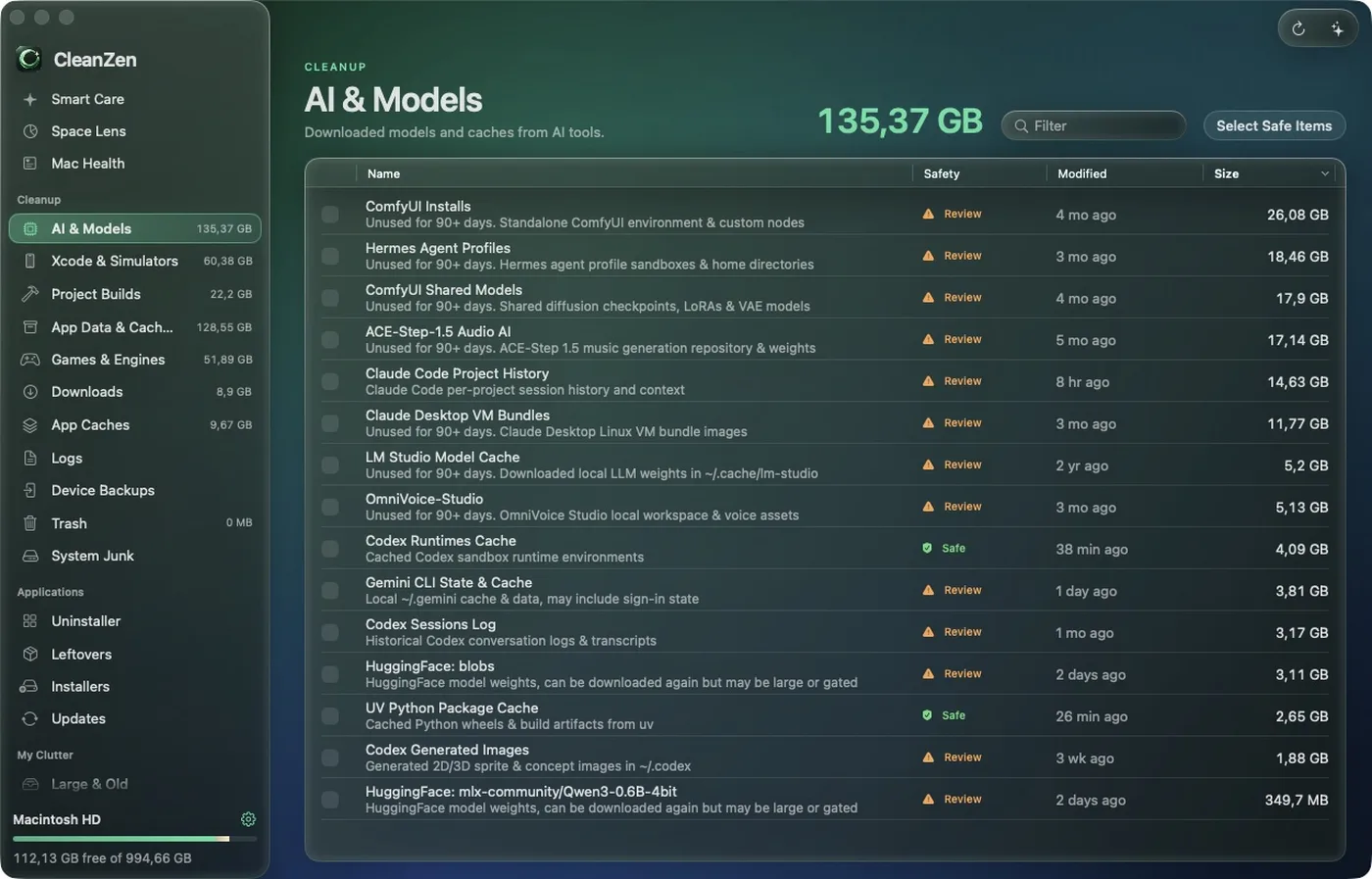
Everything sorted by kind
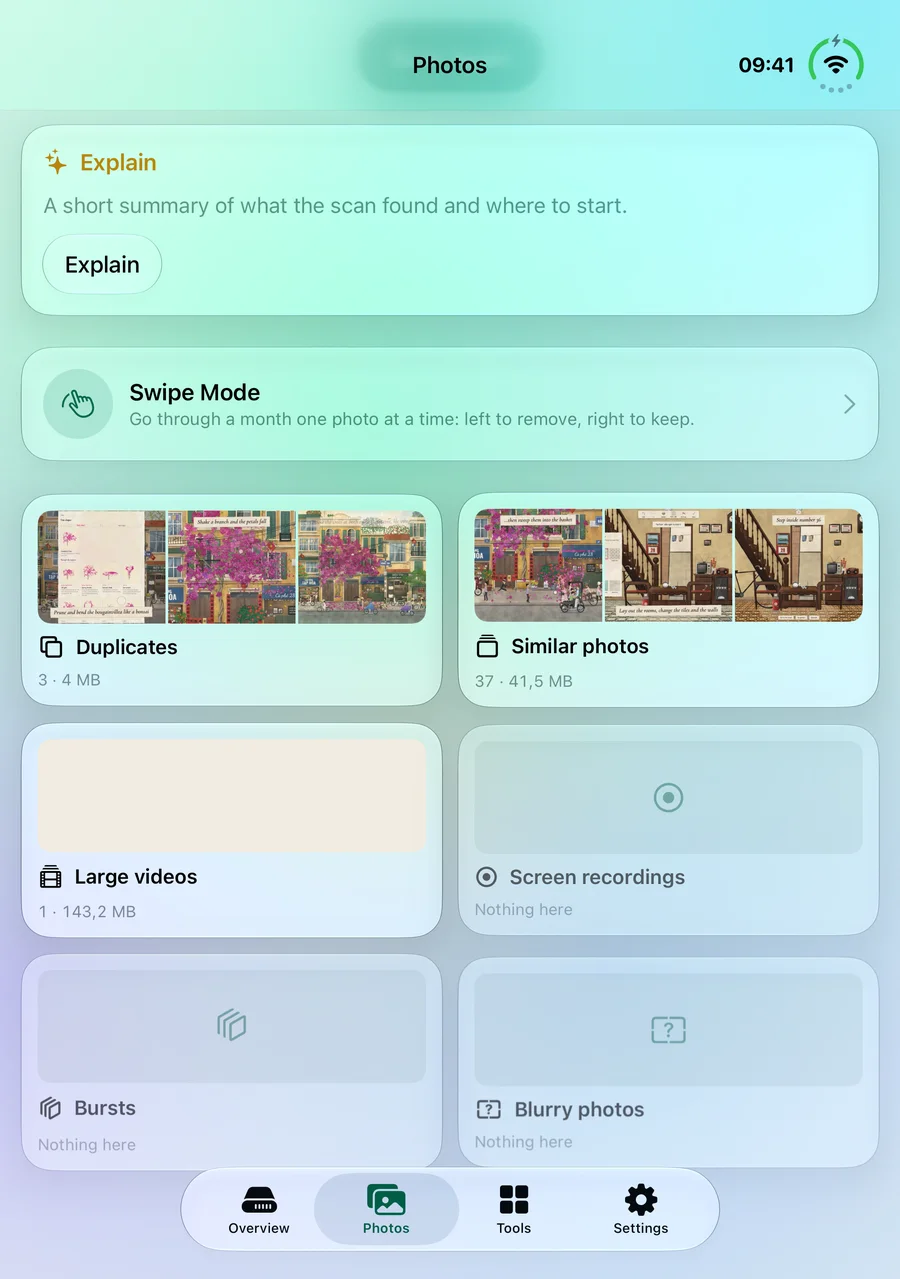
Duplicates, similar photos, large videos, screen recordings, bursts, blurry photos, screenshots and Live Photos, each with how much space it takes. Sizes are measured, or shown as unknown, never guessed.
CleanZen for iPhone
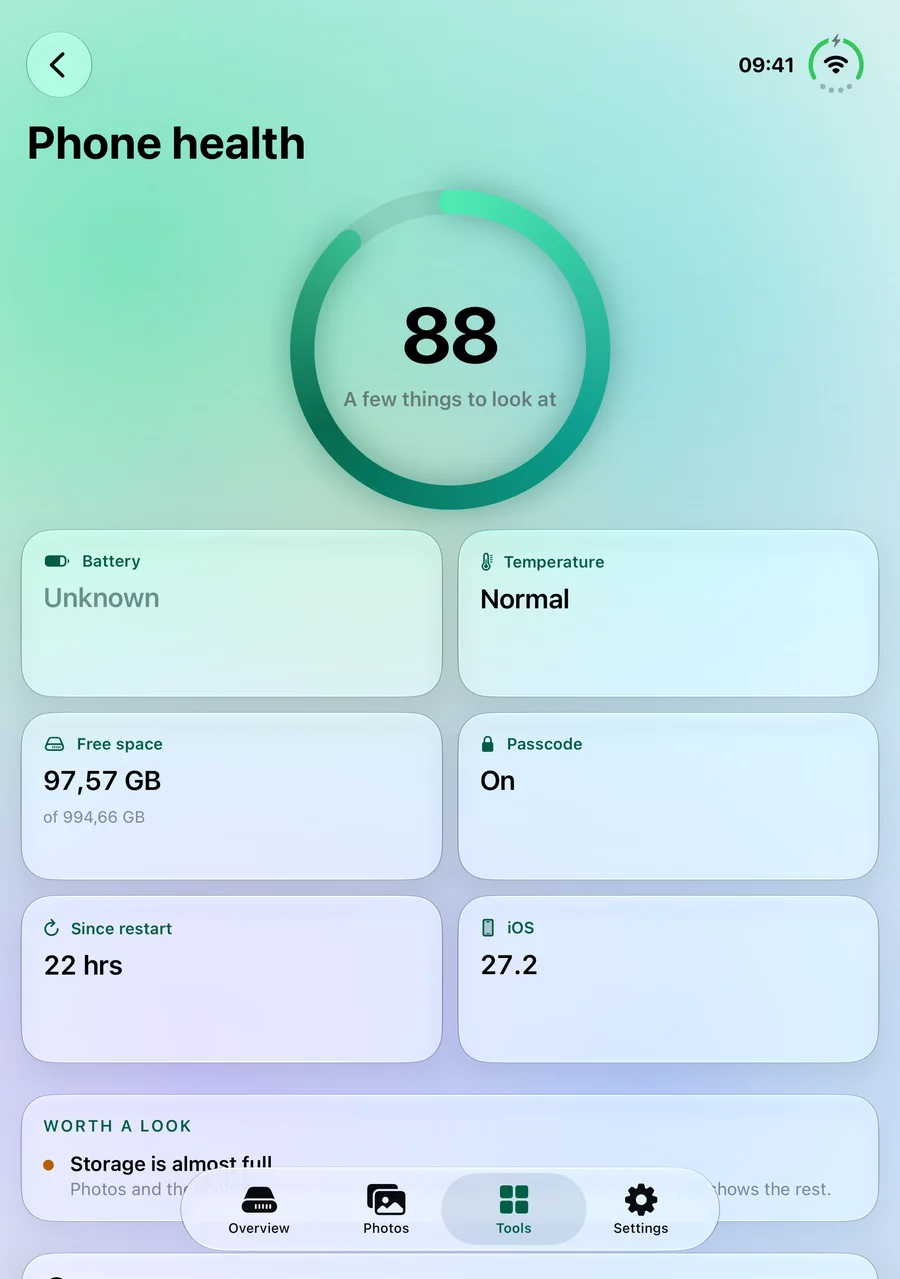
Copies, look-alikes, blurry shots, old screenshots and large videos, found right on your iPhone. You choose what goes, iOS asks before anything is removed, and nothing is uploaded.
Free to scan and see everything. Pro is $7.99, once. No subscription.
Scroll to choose what goes
What it finds
Duplicates, similar photos, large videos, screen recordings, bursts, blurry photos, screenshots and Live Photos, each with how much space it takes. Sizes are measured, or shown as unknown, never guessed.
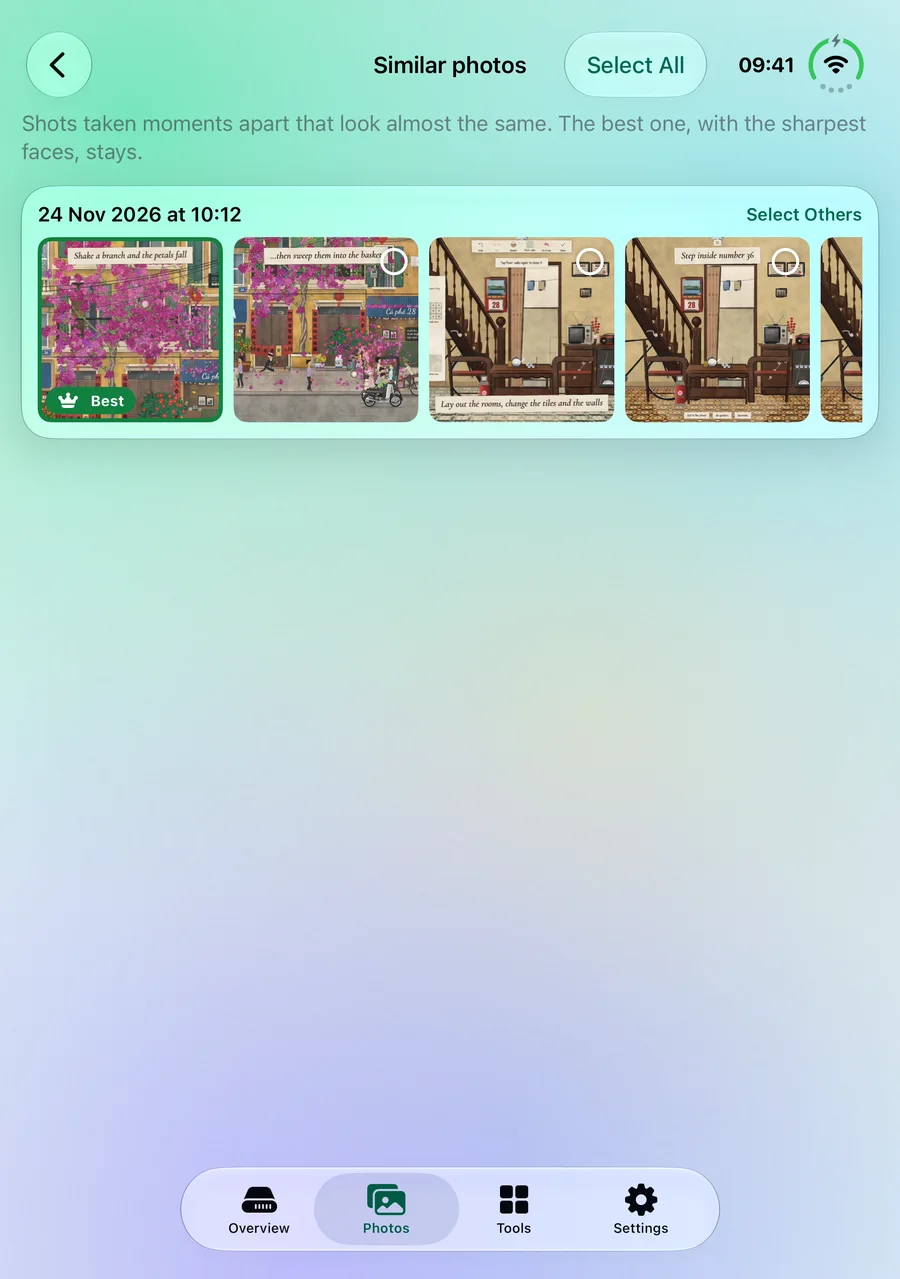
In each group of look-alikes, CleanZen keeps the sharpest shot with the clearest faces and marks it Best. The rest wait for you to decide.
A scan only reads your library. What it measured is remembered, so the next scan only looks at new photos instead of starting over.
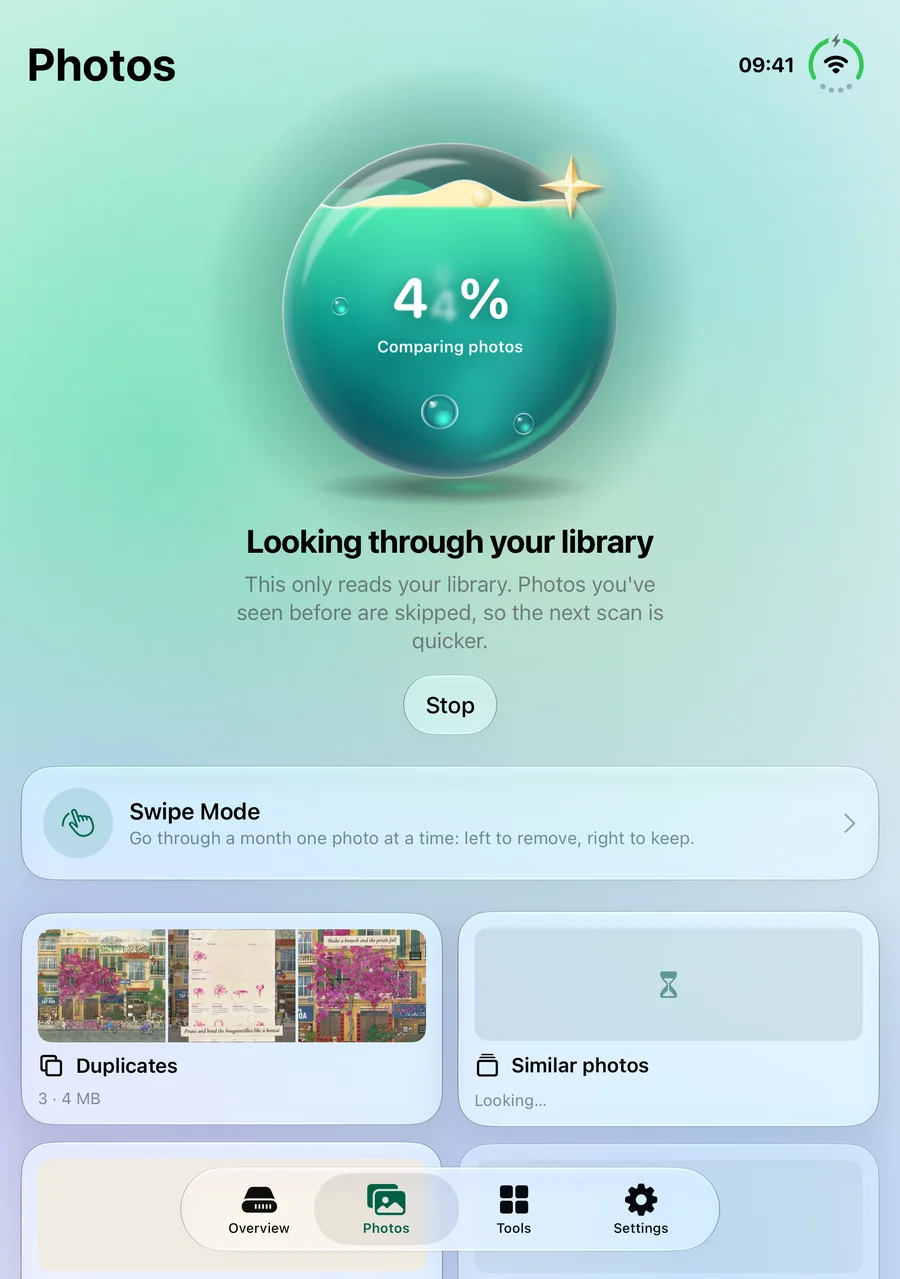
Make big videos and Live Photos smaller, find large and duplicate files in the folders you pick, merge contacts saved twice with a backup you can undo, and keep private photos in Secret Space behind Face ID.
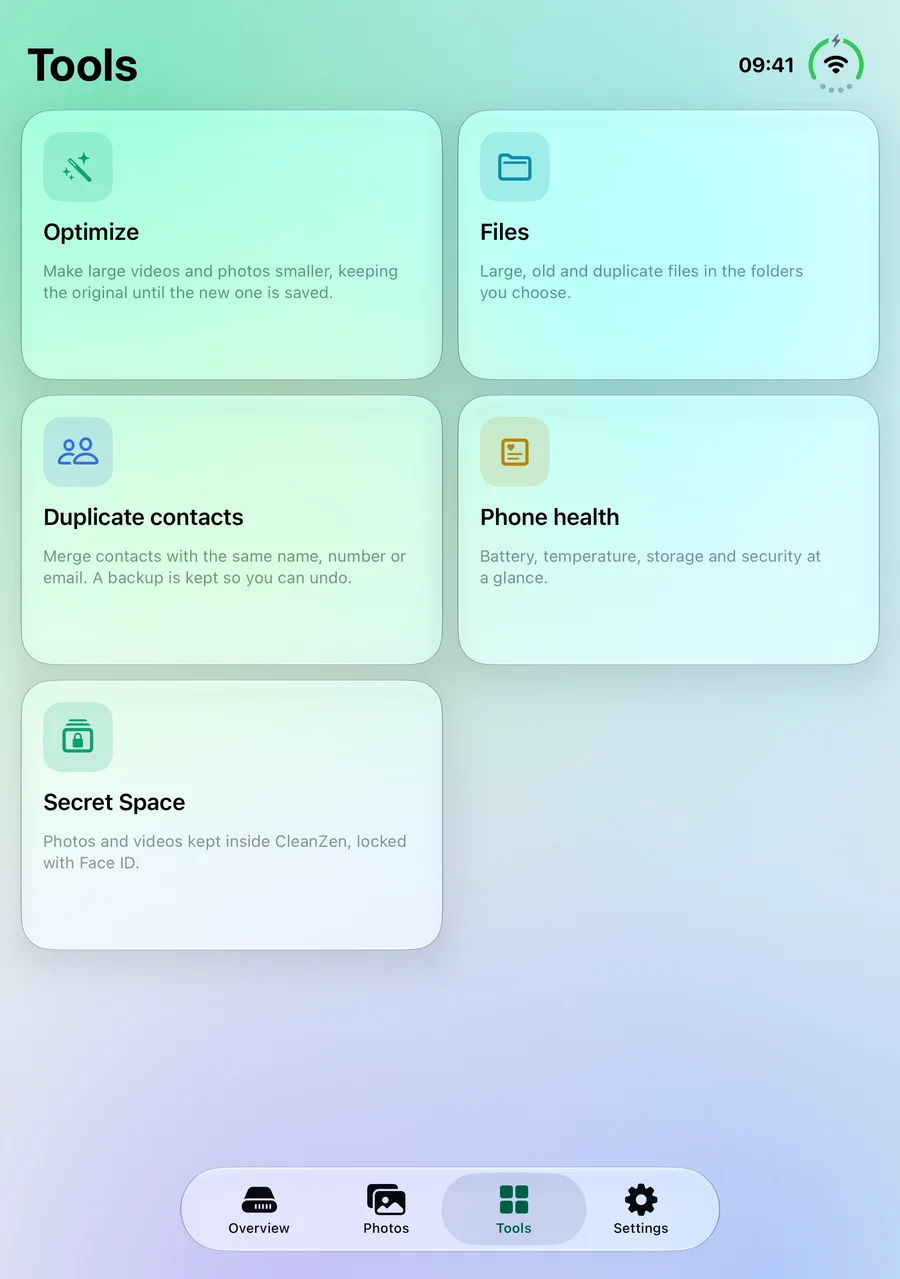
Storage, temperature, passcode and time since restart, with what is worth a look. What iOS doesn't let an app read is shown as unknown and costs no points.
Swipe Mode
Drag a photo left to remove it and right to keep it, or use the buttons. Try it here: this is only a demo and it can't touch your photos. In the app, what you swiped left still goes through iOS's confirmation and stays in Recently Deleted.
Safety
A cleaner that deletes the wrong photo isn't worth the space it saves. These rules are written into the app and checked by its tests.
Every photo starts unchecked. You pick, or you tap Select Others in a group where the best one is already kept.
Removing goes through iOS's own confirmation, and photos stay in Recently Deleted for 30 days.
Favorites, and any photo you mark Never Suggest This, are left out of every list.
Photos only in iCloud are not downloaded to compare them, unless you turn that on in Settings.
A duplicate is only removed after the copy you keep is checked again, so both never go at once.
Optimize saves the smaller copy with its date, place and Favorite, measures it, and only then offers the original.
Privacy
CleanZen has no account, no ads and no tracking, and the App Store label says Data Not Collected. Explain writes its summary with Apple Intelligence on your iPhone, and only uses totals per kind of photo.
CleanZen Pro
Many cleaners ask for a weekly or yearly subscription before they do anything. CleanZen lets you scan and see every result for free, and Pro is one purchase.
$7.99 is the US price. The App Store shows the price for your country.
iOS doesn't let any app see how much space other apps use or clear their caches. CleanZen tells you that instead of pretending, and points you to Settings › General › iPhone Storage for it.
CleanZen for Mac
The Mac app measures what fills your disk, especially AI model caches, Xcode and simulator runtimes and old project build folders, and moves what you choose to the Trash. It keeps the same rules: nothing is preselected, and what can't be measured is shown as unknown.
Coming soon
Questions
No. Scanning and seeing every result is free, and the free version removes up to 50 items. CleanZen Pro is one purchase, and your family can share it through Family Sharing.
No. Everything is checked on your iPhone. The only thing that uses the network is the speed test in Phone health, and only when you tap it.
iOS asks you to confirm, then they go to Recently Deleted in the Photos app and stay there for 30 days, so you can still get them back.
Open Settings in CleanZen and tap Restore Purchase, signed in with the same Apple Account.
iPhones with iOS 26 or later. Explain uses Apple Intelligence where the iPhone has it, and CleanZen's own wording everywhere else.